
One platform. Every part of your security operation.
Secure360 is not a scheduling tool with add-ons bolted on. Scheduling, attendance, patrols, reporting, payroll and client billing are one system sharing one set of data — so a change in one place shows up everywhere it should.
Build the rota once, not every month
Plan cover across every client, site and position on one screen. Secure360 checks each assignment as you make it and tells you what is wrong before your guards ever see it.
- Drag-and-drop shift plannerAssign, move and copy shifts across sites and dates without reloading the page.
- Repeating patterns with auto-extend4-on-4-off, fixed weekly or custom cycles that roll forward on their own.
- Open shiftsPush uncovered work to qualified guards and let them claim it from the app.
- Declines with a reasonA declined shift reopens immediately and the reason is recorded against it.
- Conflict warningsDouble bookings, approved leave, expired licences, banned sites and missing qualifications.
- Publish and notifyGuards are emailed and pushed the moment a shift is added, changed or cancelled.
- Full shift historyWho changed what, and when — useful when a client queries cover.

Attendance you can prove, not just record
Guards clock in and out from the app. Every record carries a timestamp, a GPS position and the device it came from, so there is no argument about who was where.
- Geofenced clock-inDraw a boundary around each site; attendance only counts inside it.
- Missed clock-in alertsThe control room is told when a shift starts and nobody is on site.
- Check callsScheduled prompts through the night to confirm a lone worker is safe.
- Manager approvalReview, correct and lock clock times before they reach payroll.
- Live "on duty" viewSee who is working right now, across every site, on one dashboard.
- Export to CSVTake the raw attendance data into whatever else you run.

Proof that every round was actually walked
Place NFC checkpoints around a site and set the route. Guards scan as they go, and the scan log becomes the answer when a client asks what happened between 2am and 4am.
- NFC checkpoint scanningTap a tag to log the location and the exact time.
- Patrol routesDefine the order and frequency of rounds for each site.
- Mobile patrolTrack officers covering multiple sites in one shift.
- Missed checkpoint reportingSee at a glance which points were skipped and when.
- Supervisor route sheetsStructured visit records for supervising officers.
- Client-visible patrol logShared through the client portal without you lifting a finger.
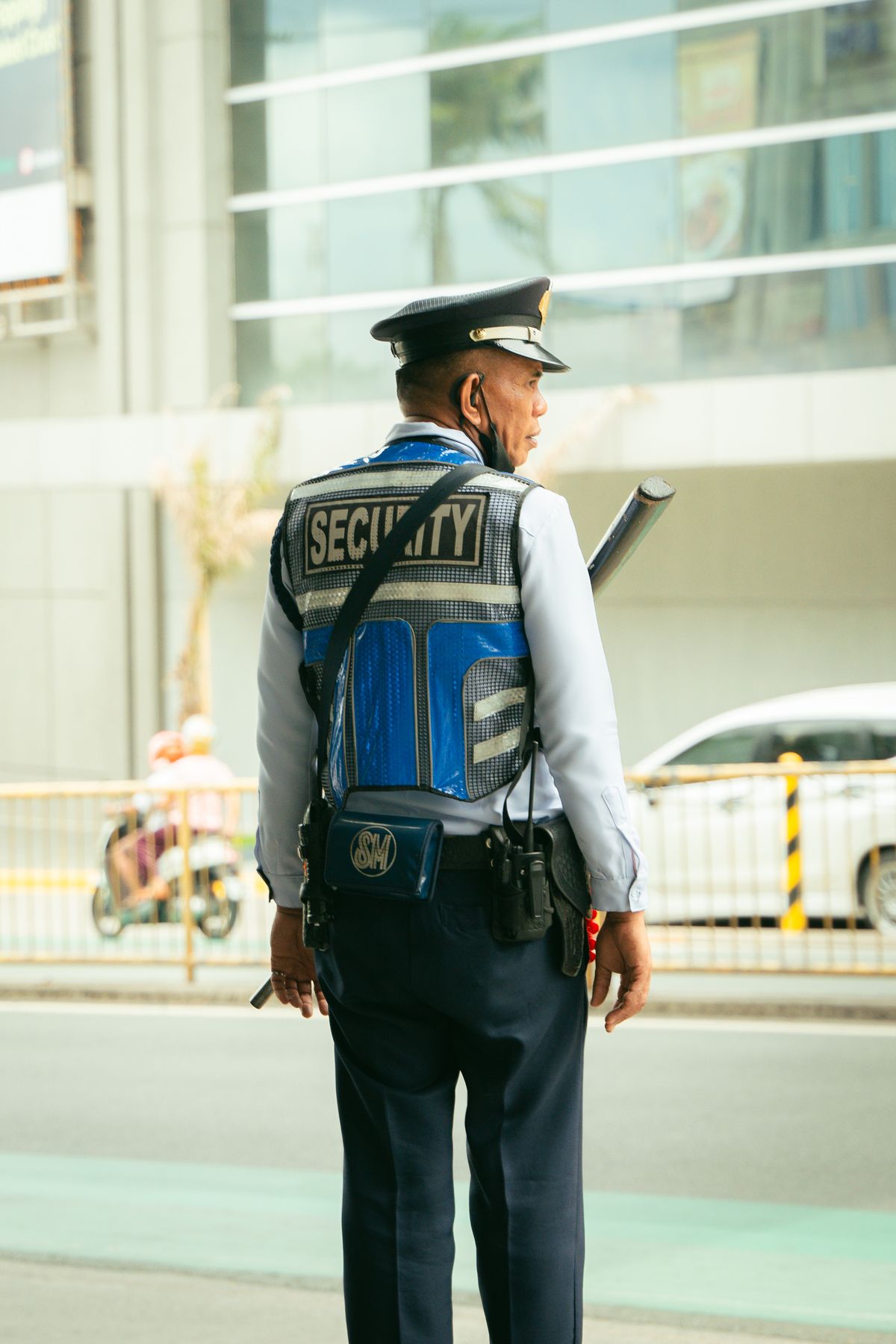
Everything that happened on site, written down properly
Captured on the phone during the shift, filed against the right site and date, and available to your client the moment it is submitted.
Incident Reports
Structured capture of what happened, when, who was involved and what was done — with photo attachments and a clear audit trail.
Daily Activity Reports
Guards log activity as the shift runs rather than writing it up at 6am. Notes, timestamps and attachments all in one DAR.
Site Activity Checks
Define what must be checked at each site — main entrance, fire exits, car park — and collect photo evidence that it was done.
Visitor & Vehicle Log
A searchable record of every visitor and vehicle on site, with arrival and departure times and registration details.
Tasks
Assign a job to a guard with instructions, get comments and photo proof back, and see what is still outstanding.
Panic Alerts
One tap on the app raises an alert with the guard's location, so the control room can respond immediately.
Compliance that looks after itself
Keep every guard record, licence and certificate in one place, and let Secure360 warn you before something expires rather than after a client audit finds it.
- Full employee recordsGuards, supervisors and office staff, with documents, licences and emergency contacts.
- Document expiry warningsSIA licences, right to work and training certificates flagged before they lapse — and blocked from scheduling once they do.
- Self-onboarding by inviteNew starters complete their own profile and upload their own documents.
- Qualifications and positionsOnly guards with the right qualification can be assigned to a position that needs it.
- Leave managementRequests, approvals and running balances, with approved leave blocking conflicting shifts.
- MessagingReach one guard, a site team or the whole company by push and email.
- Roles & permissionsScreen-by-screen control of who can see and do what, including pay and charge rates.
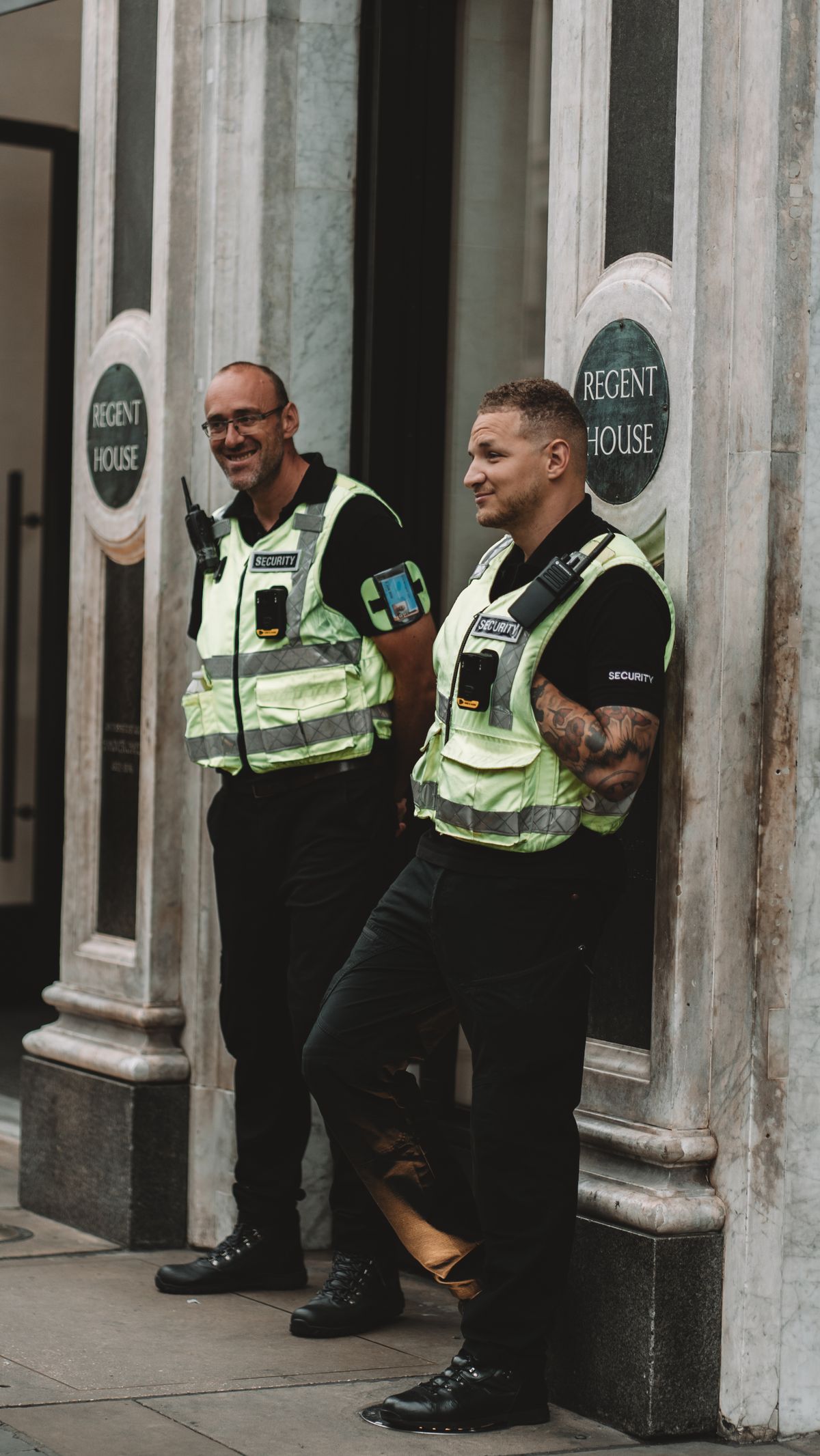
From worked hours to paid invoice, without re-keying
Approved attendance flows into timesheets, timesheets into payslips and invoices. The same hour is never typed twice, and overtime is never quietly given away.
- Pay & charge rates at four levelsCompany, client, site or position — the most specific rate wins.
- Four rate typesStandard, hourly, per shift and daily fixed, to match how each contract is written.
- Automatic day and night ratesChosen from when the shift actually falls, not from a manual tick box.
- Overtime on pay and on chargeHours past the standard day roll onto 1.5× — and the client is billed for them too.
- Timesheets with marginRegular hours, overtime, pay, charge and profit on every single shift.
- Payroll runs & deductionsProduce a whole period's payslips in one go, with deductions applied.
- Payslips and invoices by emailSent as PDFs in bulk, with a delivery history of exactly what went to whom.
- Bank details on every invoiceYour payment details and payment reference wording, set once.

Your clients, with a window into their own sites
Set up each client, their sites, their contacts and their rules once. Then give them a login that shows their sites and nothing else.
- Clients, sites and site contactsWith addresses, instructions and the geofence for each location.
- Banned and preferred guardsPer site, enforced automatically when you schedule.
- Client portal loginLive attendance, activity logs, patrol records and reports for their sites only.
- Automatic pre-shift emailThe site contact is told roughly two hours before each shift who is coming and when.
- Client invoicesGenerated from real worked hours, with taxes, adjustments and your bank details.

Everything a guard needs, and nothing they don't
Free for every guard on your account, on iOS and Android. Guards working for more than one Secure360 company choose which one they are logging into — one app, one password.
- Today's shiftsTimes, site details and instructions.
- GPS clock in & outInside the site geofence.
- Patrol scanningNFC checkpoints on every round.
- Site checksTick-offs backed by photos.
- TasksInstructions, comments, photo proof.
- Daily activity reportsFiled as the shift runs.
- Incident reportsWith photos, in minutes.
- Open shiftsClaim extra work instantly.
- Decline a shiftWith a reason, so cover is rearranged.
- Leave requestsBooked and tracked in the app.
- MessagesFrom the control room, straight to the phone.
- Panic alertOne tap when something goes wrong.

The bits that quietly save you hours
Dashboards
Shifts covered, guards on duty, open incidents and today's exceptions at a glance.
Automated Emails
New, changed and cancelled shifts, open-shift offers and pre-shift notices to clients.
Push Notifications
Anything urgent reaches the right phone straight away, not at the next shift handover.
Multi-Company
Run several trading companies from one account, each with its own staff and clients.
Exports & PDFs
Reports, timesheets, payslips and invoices as CSV or branded PDF whenever you need them.
Time Zones
Shift times always shown in the right local time, wherever your sites and staff are.
Audit Trails
A record of who changed what and when, across scheduling, attendance and finance.
Security & GDPR
Encrypted data, role-based access and UK GDPR-aligned handling of personal records.
The fastest way to judge it is to use it
Start a free trial with your real guards and sites, or let us show you around in 30 minutes.
No card required · Free data import · Cancel any time